
Useful every day.
Books, your day, and things worth exploring.


 Notify me
Made for e-paper
Your familiar device.
A more thoughtful way to use it.
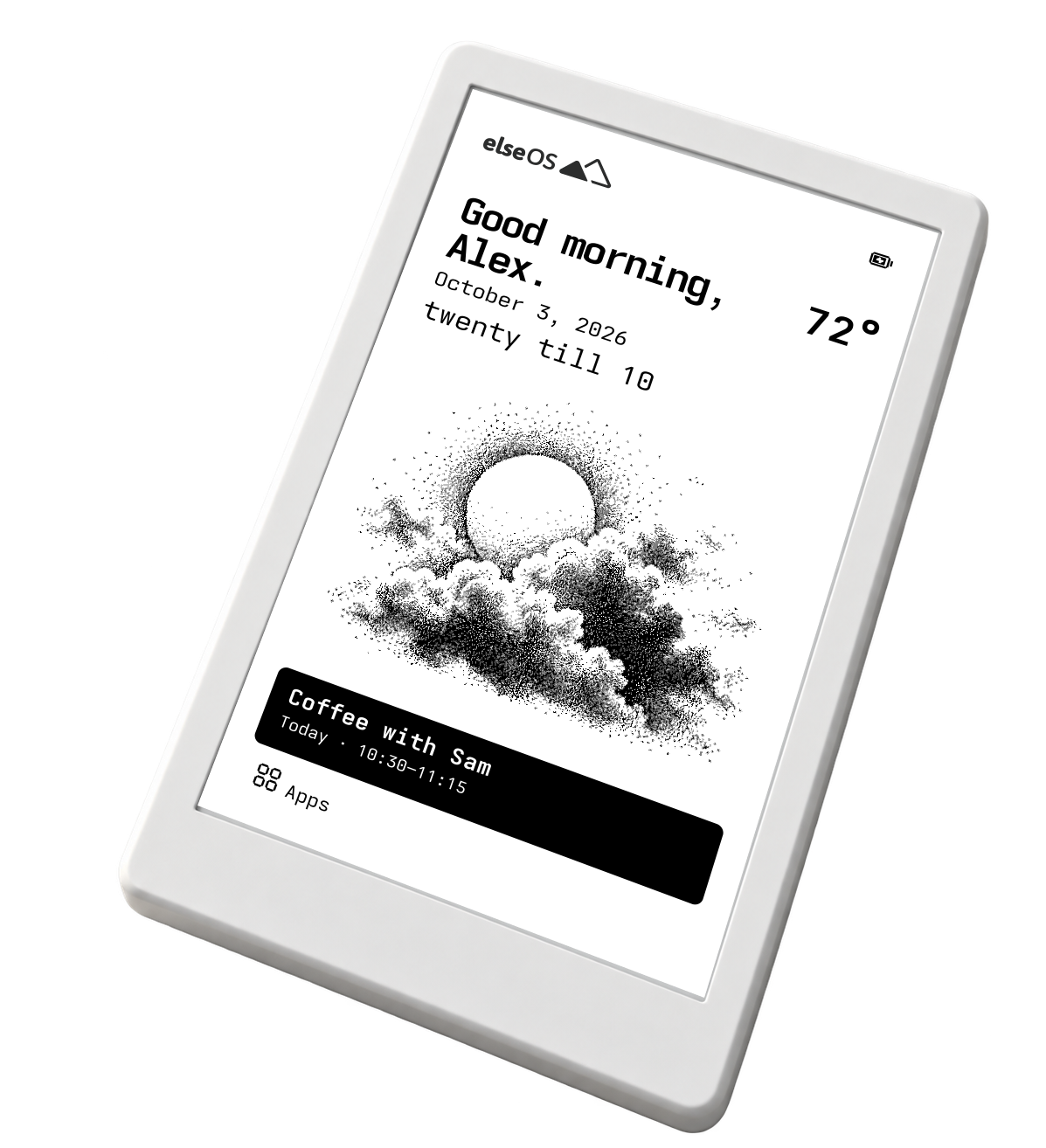
Books, your day, and things worth exploring.

Your Home style. Your books. Your photos.

Leave the messages and email for another time.
01 / The everyday, reconsidered
elseOS brings useful apps and a little curiosity to the e-paper device you already love.
Read a chapter. Check your day. Learn a knot. Then put it down and carry on.
Find your deviceThe interface, up close
Try a few of the everyday apps.
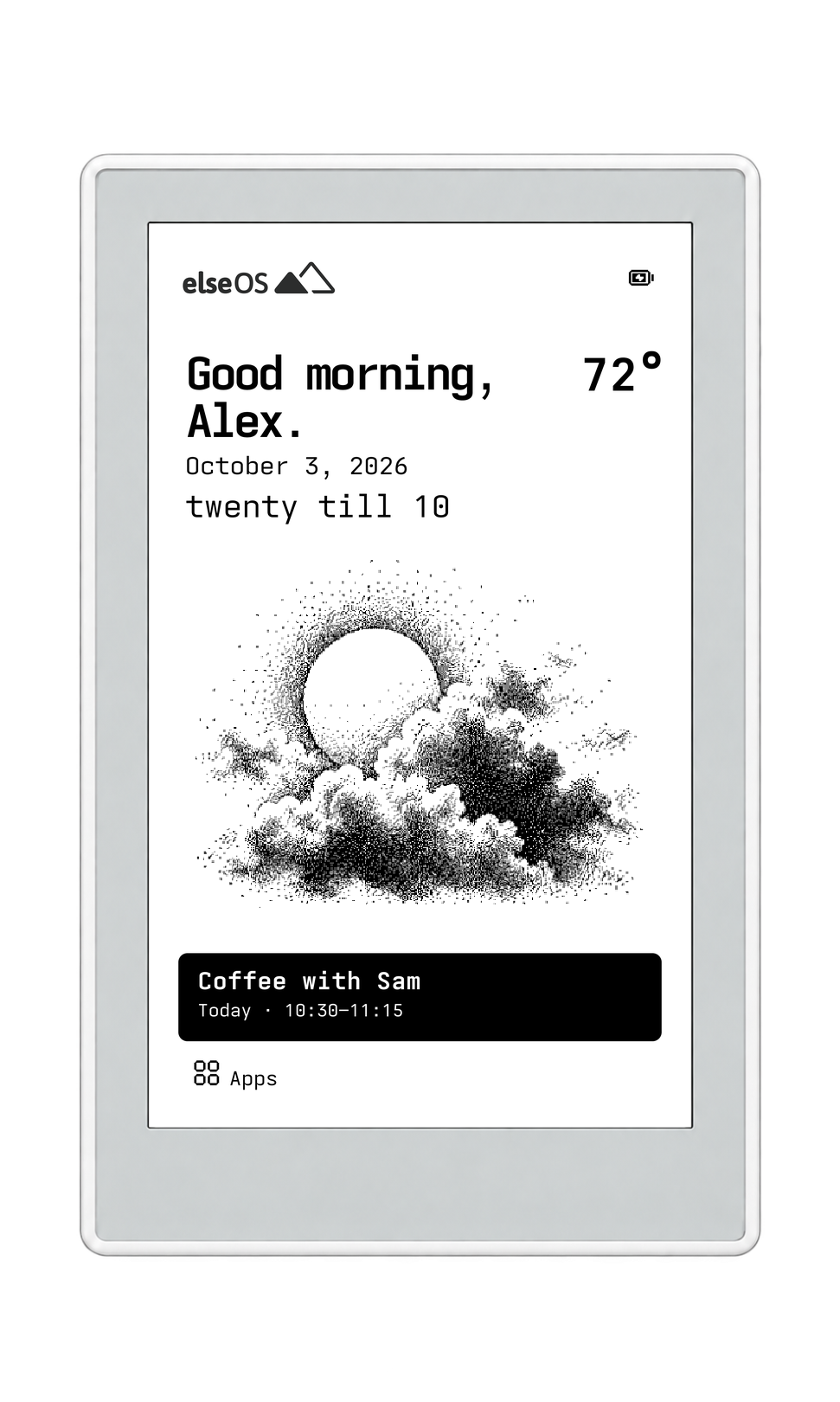
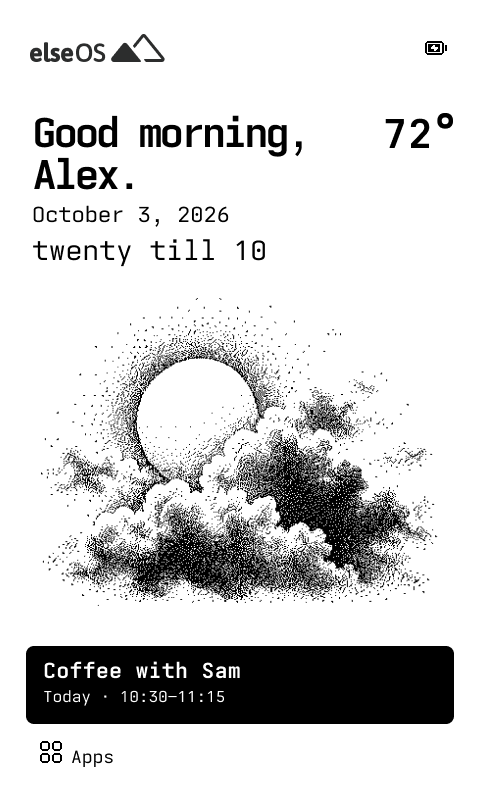
elseOS on Seeed Studio Sticky
Real interface previews
01 / 04
The time, the weather and your next event. A small, clear place to begin.
02 / Make yourself at home
Four ways to beginA home style that feels like you.
Your wallpaper, your favorites,
your books and photos.
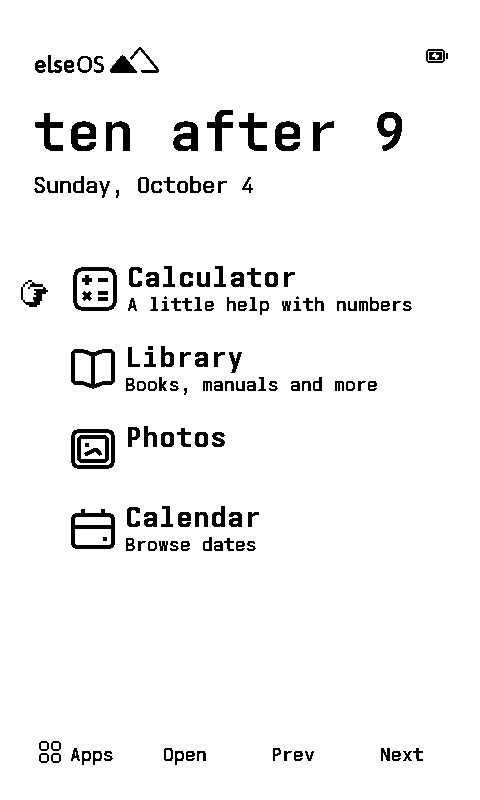
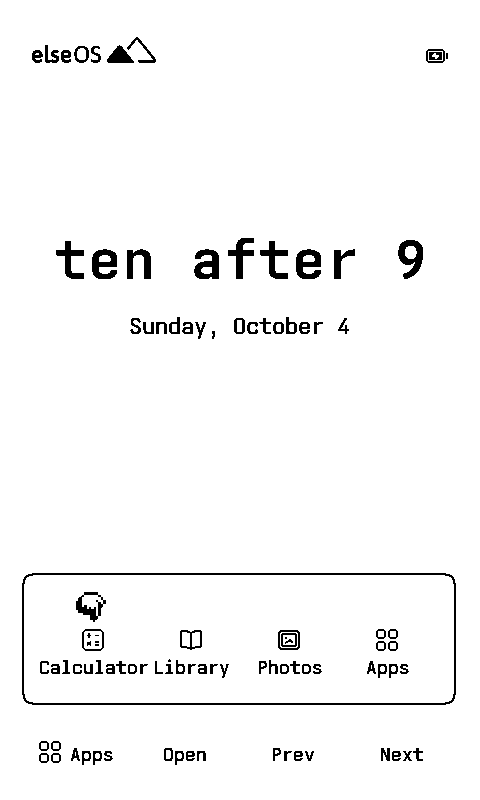
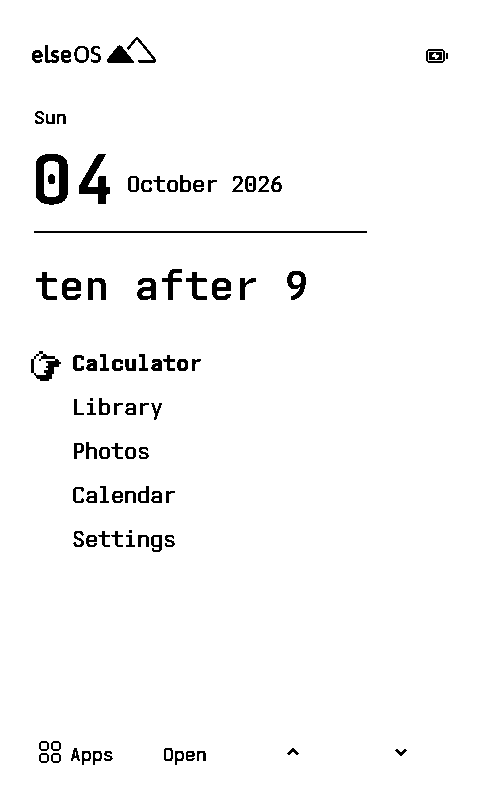
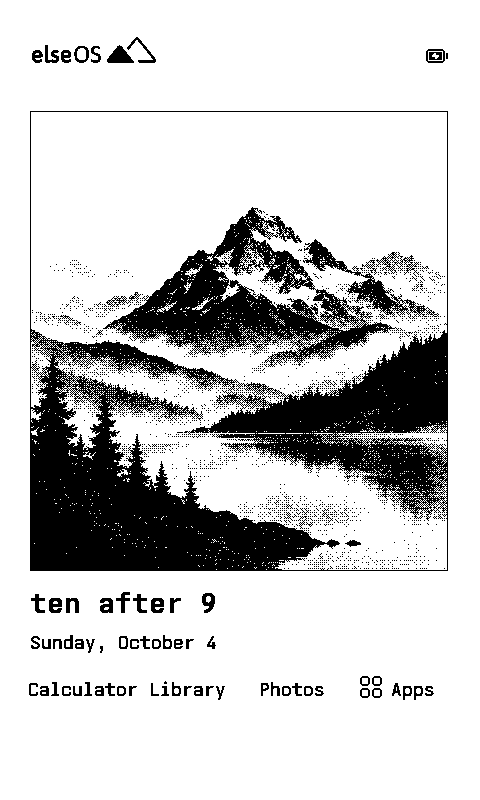
Make it feel like yours. Choose a home screen theme, set a wallpaper, and keep your favourite apps close.

03 / Take the scenic route
Some things are worth doing
just because.
Field Guide
Knots, constellations and Morse code.

Games
A chessboard. Time for another move.

Tarot & Sky
A daily card. The moon overhead.

Synth
A keyboard and step sequencer.
Available on Sticky.
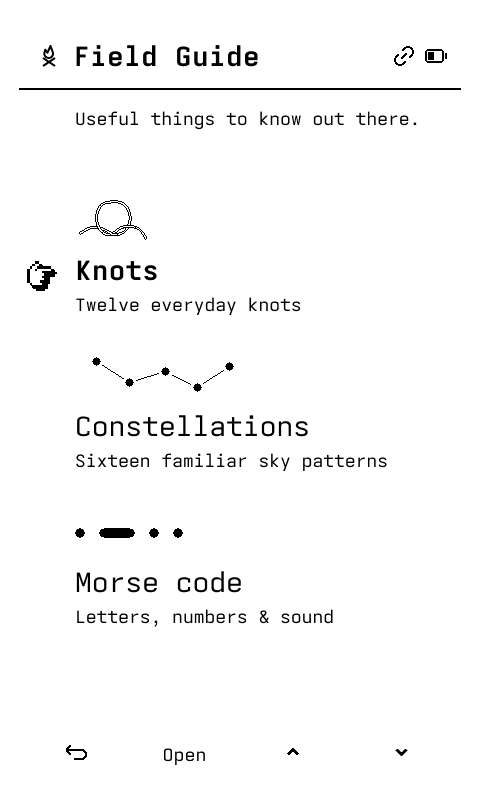
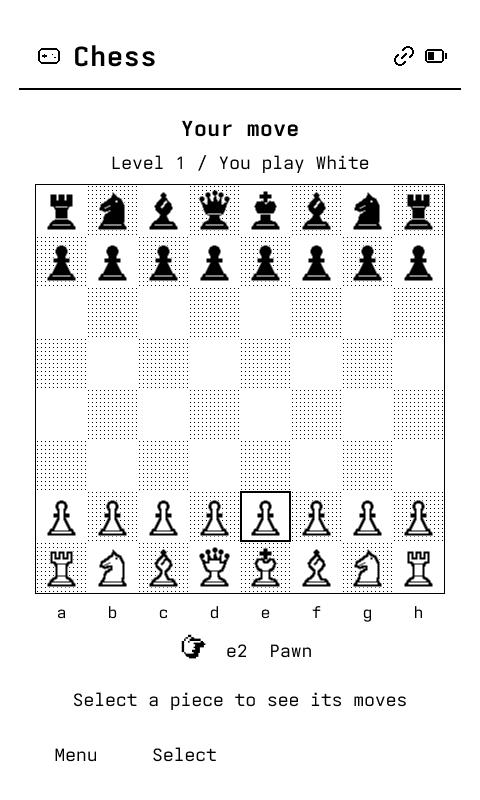
See where it takes you.
04 / Bring your own device
Software meets hardwareelseOS is software you install yourself on a supported device.
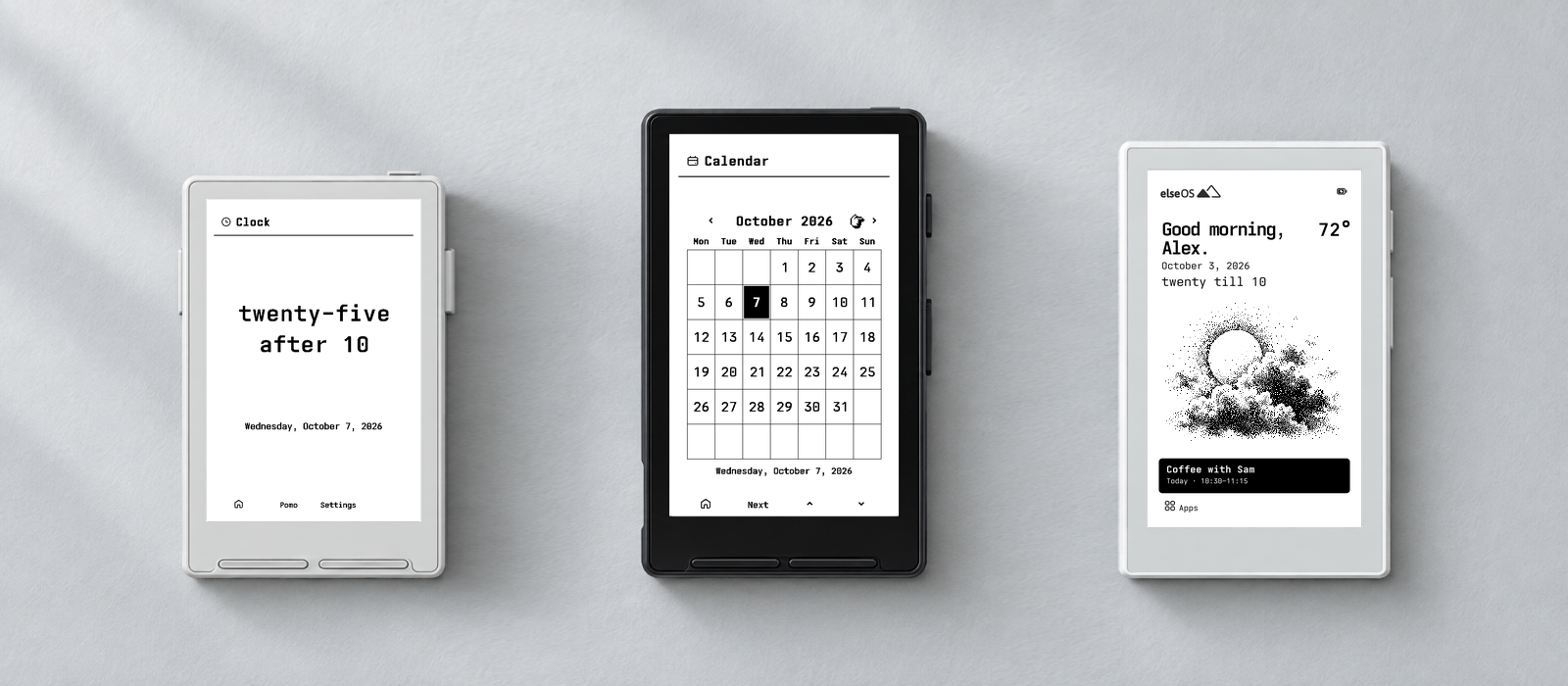
elseOS may earn a small commission when you buy through our links.
05 / Settle in
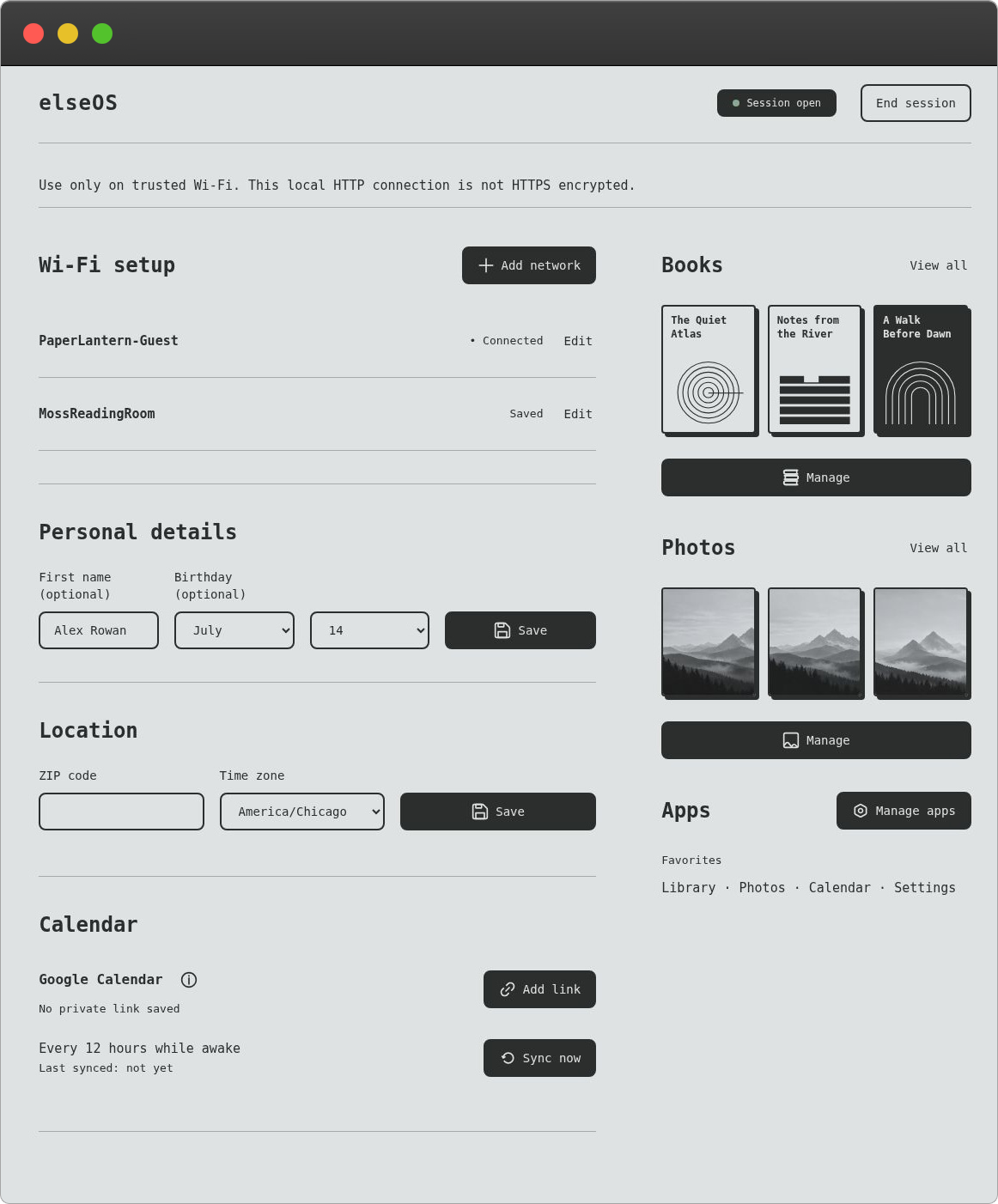
After installing elseOS, open local setup on your phone or computer. Use the same trusted Wi-Fi as your device.
Add the things you want to keep close.
Manage your content, Wi-Fi and settings.
Connect a read-only Google Calendar feed.
Leave your email for the elseOS launch and other elseOS news.
elseOS is software you install yourself on a supported device. Hardware isn’t included.
elseOS earns a small commission when you use our links or codes
Get 5% off with our link or code.
elseOS is software you install yourself on a supported device. Hardware isn’t included.
No subscription. Choose your price, including $0.
After installing elseOS, open local setup on your phone or computer using the same trusted Wi-Fi as your device. Add books and photos, and manage Wi-Fi and settings there.
Yes. Local setup can connect a read-only Google Calendar feed. In Google Calendar settings, select your calendar, open Integrate calendar, and copy the Secret address in iCal format. Keep that link private.
elseOS skips messaging and email so you can take a break from both. For a more connected experience, you can explore snailOS ↗.
Visit Support or write to [email protected].